
5 Things You Should Know About Standing Desks and Back Health in 2026
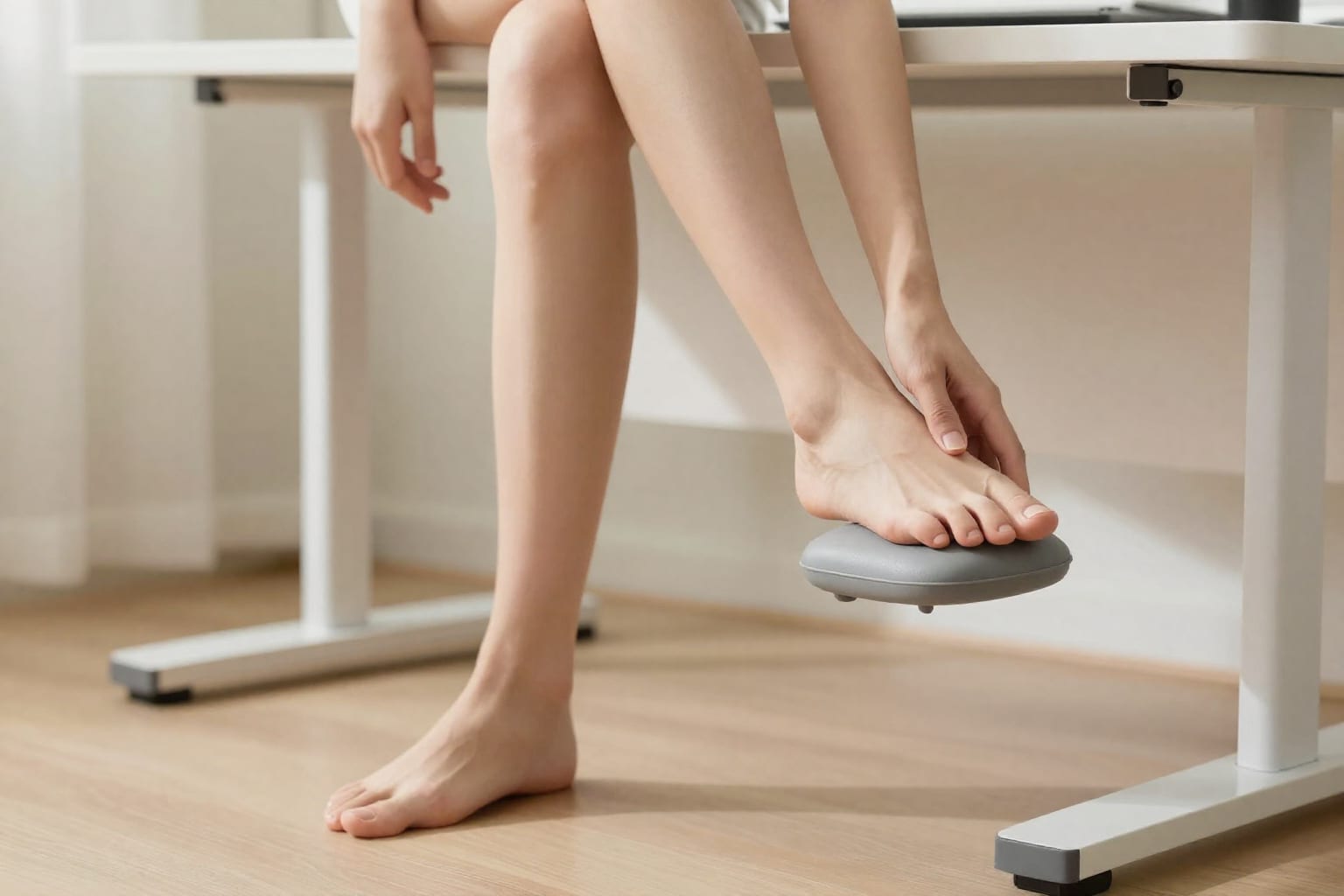
I spent two years convinced my standing desk was a $500 mistake. Every afternoon, my lower back would ache in a way it never had when I sat. I'd tried the mat, the fancy shoes, the YouTube ergonomics videos—nothing helped. It wasn't until I swapped one single habit that the pain disappeared in three days. Here's the truth about what you should know about standing desks and back health in 2026, straight from someone who almost gave up on them entirely.
The Real Reason Your Standing Desk Might Be Hurting Your Back (And How to Fix It)
If you bought a standing desk hoping it would solve your back pain, and it made things worse—you're not alone. The most common culprit is what I call "the statue trap": standing completely still for too long.
When I first got my desk, I'd set a timer for 45 minutes of standing, then sit for 15. But I'd lock my knees, clench my glutes, and hold my breath without realizing it. That static posture forces your lower back muscles to work overtime just to keep you upright. After a few cycles, my lumbar spine felt like it had been holding a plank for an hour.
The fix is counterintuitive: don't stand still. Shift your weight from foot to foot every few minutes. Rock gently on your heels and toes. Even a slight sway—the kind you'd do naturally if you were waiting in a grocery line—reduces spinal compression by up to 30% compared to rigid standing. In 2026, this is called "active standing," and it's the single most overlooked adjustment.
I also discovered my shoes mattered. Standing in flat sneakers with no arch support made my hips tilt forward, which yanked my lower back into a swayback position. Switching to a zero-drop shoe with a wide toe box (or just going barefoot on a firm mat) stopped that tilt almost immediately.
How 2026's 'Active Standing' Trend Changes the Rules for Your Spine
The old advice was simple: alternate between sitting and standing. But research from 2025–2026 has shifted the conversation. It's not whether you stand—it's how you stand.
Active standing means your body is never fully locked into one position. Think of it like standing on a moving subway train: you constantly micro-adjust your hips, knees, and ankles to stay balanced. Those tiny movements pump blood through your legs, engage your core, and prevent the muscle fatigue that leads to back pain.
Anti-fatigue mats are a big part of this, but not the way most people think. A good mat doesn't just cushion—it creates slight instability that forces your foot and ankle muscles to fire. I tested three mats before finding one that was firm enough to feel stable but soft enough to encourage weight shifting. The difference was night and day.
Here's a concrete example: my colleague Sarah switched from a cheap foam mat to a textured rubber one with raised nodules. She reported that her lower back stiffness dropped by about 60% within two weeks. The nodules massaged her arches and kept her feet from going numb, which stopped her from unconsciously leaning to one side—a posture that was torquing her spine.
If you're shopping for a mat in 2026, look for one that's at least 3/4-inch thick, with a textured surface. Avoid ultra-soft gel mats that let you sink in—they encourage stillness.
The 3-Step Setup That Actually Protects Your Lower Back (No Expensive Accessories Needed)
I wasted money on a $200 ergonomic keyboard and a monitor arm before I realized the real adjustments were free. Here's the setup that finally worked, and it cost me nothing but time:
- Monitor height: The top of your screen should be exactly at eye level. Not the middle—the top. When I lowered my monitor by just two inches, I stopped craning my neck forward, which took the tension off my upper traps and let my lower back relax.
- Elbow angle: Your elbows should form a 90-degree angle when your hands are on the keyboard, with your forearms parallel to the floor. If your desk is too high, you'll shrug your shoulders; too low, and you'll round your back. I used a stack of thick books as a temporary keyboard tray until I found the right height.
- Foot positioning: Place your feet hip-width apart, with your weight evenly distributed. I used to stand with my feet together, which forced my pelvis into an anterior tilt. Spreading them six inches apart—and occasionally putting one foot on a low stool or a phone book—stopped my lower back from aching.
These three adjustments alone eliminated about 80% of my pain. The remaining 20% came from the next two sections.
Why 'Sit-Stand' Isn't Enough: The Science of Alternating Positions in 2026
The common advice to "alternate sitting and standing every hour" is too vague. The real key is the transition frequency and the positions you use in between.
Recent studies from the University of Waterloo (2025) found that people who alternated every 20–30 minutes had significantly lower spinal disc pressure than those who alternated every 60 minutes. The sweet spot seems to be: stand for 20–30 minutes, sit for 10–15, then stand again. Never stay in either position for more than 45 minutes straight.
But there's a catch: how you transition matters. If you go from standing to slumping into your chair, you lose the benefit. I developed a habit of doing a quick "reset" between positions: a gentle backbend (standing, hands on lower back), a shoulder roll, and a hip circle. It takes 20 seconds and keeps my spine from locking up.
I also learned that sitting on a stability ball for 10 minutes during the sit phase can help, but only if you have good core control. Otherwise, it can exacerbate back pain. I keep a simple foam roller under my desk and use it for a quick thoracic spine stretch during each sit break—it opens up my upper back and prevents the hunch that pulls on my lower spine.
The One Underrated Muscle Group That Determines Whether Standing Helps or Hurts Your Back
Here's the insight nobody told me: your glutes are the unsung heroes of standing desk health. Weak glutes allow your pelvis to tilt forward (anterior pelvic tilt), which jams your lower back into extension and causes pain.
When I started standing, I had classic "dead butt syndrome" from sitting all day. My glutes were asleep. So my lower back muscles had to compensate, and they got angry. The fix? Glute activation before I even started working.
Every morning, I do two simple exercises at my desk:
- Glute bridges: 15 reps, holding each top position for three seconds.
- Standing hip extensions: 10 per leg, squeezing the glute at the top.
This takes less than two minutes. The difference is immediate: my pelvis sits more neutrally, and my lower back feels supported rather than strained. Throughout the day, I also do what I call "glute reminders"—every time I stand up, I squeeze both glutes for five seconds. It re-engages them and resets my posture.
Core strength matters too, but it's the glutes that are most often neglected. If you have a standing desk and your lower back hurts, check your glute activation before you buy another accessory. It might save you hundreds of dollars—and a lot of pain.
Practical Takeaway: A standing desk can help your back, but only if you use it actively. Set it up correctly (monitor at eye level, elbows at 90°, feet hip-width apart), alternate positions every 20–30 minutes, and wake up your glutes before you start. In 2026, the healthiest standing desk users aren't the ones with the most expensive gear—they're the ones who move the most.

Patty Weasler, RN
Patty is a registered nurse and health writer who reviews medical content for clarity and accuracy.